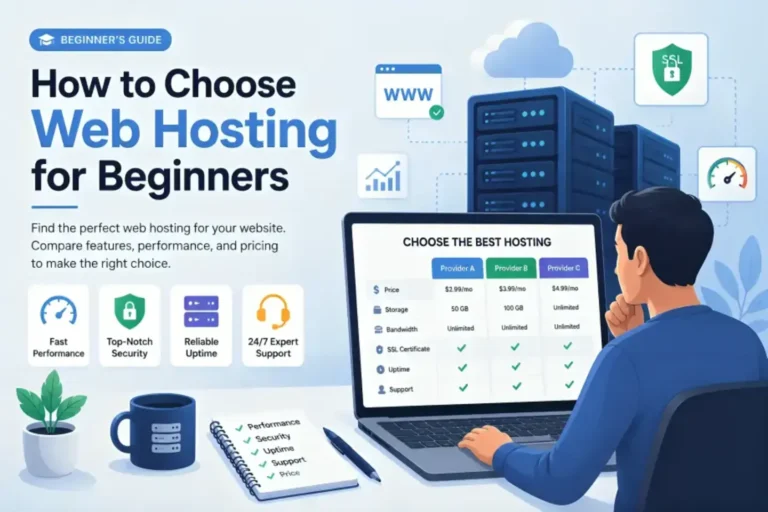
Picking a web host feels like picking a phone plan. You see a low price, but you know there’s a catch somewhere. I’ve spent years building websites for small businesses. I’ve used almost every host out there. Most people start with two names: Hostinger and Namecheap. They are both cheap. They both promise a lot. But they are very different when you actually start clicking around inside.
I remember my first website. I had about fifty dollars in my bank account and a big idea. I needed something that wouldn’t break the bank. I looked at Hostinger and I looked at Namecheap. At the time, I chose based on a coin flip. Today, I know much more. I have tested both of these companies for speed, support, and how easy they are to use. This comparison comes from those tests and my own frustrations with both services.
The Big Price Question
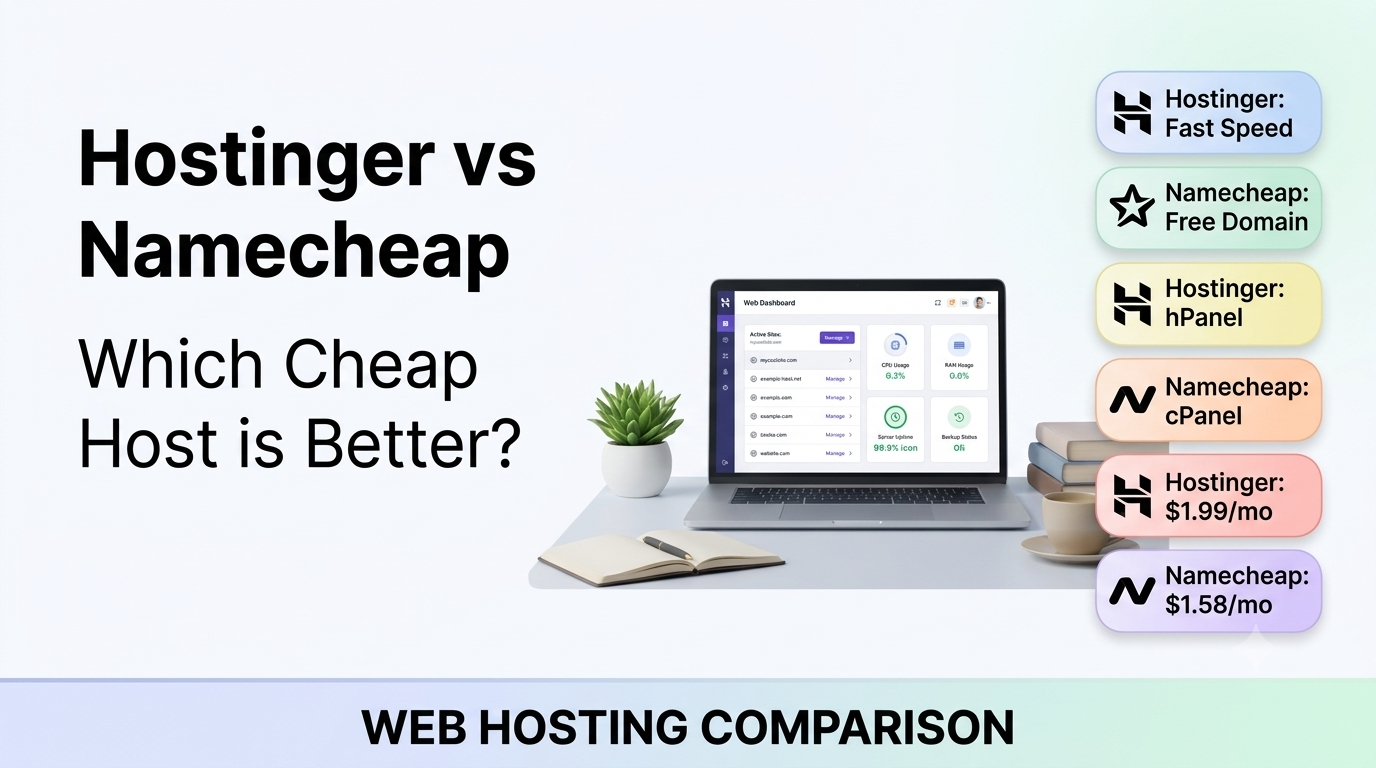
Everyone looks at the price first. It’s the reason these two companies are so popular. Hostinger often lists prices like 2.99 dollars a month. Namecheap might show 1.98 dollars a month. These prices look amazing. But you have to look at the renewal rates. This is where they get you. Most of these low prices are only if you pay for four years upfront. If you only want to pay for one year, the price goes up. When that year ends, the price goes up even more.
Hostinger is very aggressive with their discounts. You might get a great deal for the first four years, but when you renew, you might pay double or triple. Namecheap is a bit more honest about this. Their renewal prices are usually lower than Hostinger’s. If you are planning to keep your website for ten years, Namecheap might actually be cheaper in the long run. If you just want the lowest possible price right now to get started, Hostinger usually wins that battle.
You also need to think about what comes for free. Hostinger gives you a free domain name for the first year on most plans. Namecheap does this too, but only for certain domain endings like .website or .online. If you want a .com, you usually have to pay for it on Namecheap from day one. This adds about 10 to 15 dollars to your starting cost. When you are on a tight budget, every dollar counts.
Speed and How Fast Your Site Loads
Speed is the most important thing for a website. If your site takes five seconds to load, people will leave. Google also hates slow sites. I ran speed tests on both hosts using a basic WordPress setup. I used a simple theme and no extra plugins. The results were clear. Hostinger is faster. They use something called LiteSpeed servers. This is a type of web server software that is built for speed. It handles a lot of visitors at once without slowing down.
Namecheap uses older technology on their basic plans. It works fine for a small blog with ten visitors a day. But if you start getting more traffic, Namecheap can struggle. I noticed that my WordPress dashboard felt snappier on Hostinger. When I clicked save on a post, it happened instantly. On Namecheap, there was a small delay. It’s only a second or two, but it adds up when you are working on your site all day.
Hostinger also has data centers all over the world. They have them in the USA, Europe, Asia, and South America. This matters because the physical distance between your visitor and the server affects speed. If your customers are in India, you can pick a server in India with Hostinger. Namecheap mostly has servers in the US, UK, and EU. If your audience is in Asia or Australia, Namecheap will be slower for them.
Uptime and Reliability
Uptime is the percentage of time your website is online. No host is 100 percent perfect. Servers need to be updated and sometimes they crash. Both Hostinger and Namecheap promise 99.9 percent uptime. In my experience, they both keep this promise. I use monitoring tools to check my sites every minute. Hostinger had about 5 minutes of downtime over a whole month. Namecheap had about 8 minutes. Both are very good for the price you pay.
One thing to remember is that cheap hosting is shared hosting. This means your website lives on a server with hundreds of other websites. If one of those other sites gets a massive amount of traffic or gets hacked, it can slow your site down. Hostinger seems to do a better job of keeping these sites isolated from each other. I’ve had fewer issues with neighbor noise on Hostinger than on Namecheap.
The Dashboard Experience
This is where the two companies feel completely different. Namecheap uses cPanel. If you have hosted a website before, you probably know cPanel. It has been the industry standard for twenty years. It looks a bit old, like something from Windows 98, but it works. Everything is in a big grid of icons. You can find your file manager, your email settings, and your databases all in one place. Because it is so common, you can find a million tutorials online for how to use it.
Hostinger does not use cPanel. They built their own dashboard called hPanel. I actually like hPanel better. It looks modern and clean. It is much easier to find what you need. Instead of a hundred icons, everything is grouped into logical categories. If you are new to web hosting, you will probably find Hostinger much easier to understand. They put the most important things right in front of you.
Setting up WordPress is easy on both. They both have one click installers. You just type in your site name, your username, and your password. Two minutes later, your site is live. Hostinger goes a step further by offering a guided setup. It asks you what kind of site you are building and recommends plugins for you. Some people find this helpful, others find it annoying. I think it’s great for beginners who don’t know which best wordpress hosting for beginners features they actually need.
Domain Management and Registration
Namecheap started as a domain registrar. That is what they do best. Their domain search tool is the best in the business. It is fast and suggests great alternatives if the name you want is taken. Managing a domain on Namecheap is a joy. Everything is clear, and they don’t try to trick you into buying things you don’t need during the checkout process as much as other companies do.
Namecheap also includes free domain privacy forever. This is huge. When you register a domain, your name, email, and phone number are put into a public database. Spammers use this to call you and sell you web design services. Domain privacy hides your info. Many hosts charge 10 to 15 dollars a year for this. Hostinger gives it for free too on many plans, but Namecheap is the king of domains. If you have 50 domains, you want them at Namecheap.
Hostinger is a hosting company first. Their domain tools are fine, but they aren’t as polished. If you just have one website, it doesn’t matter. You can keep your domain and your hosting at Hostinger and it will be easy. But if you are a domain collector, you will notice the difference. Namecheap makes it very easy to point your domain to different servers or set up custom DNS records. You can learn more about the technical side of web addresses at the World Wide Web Consortium website.
Customer Support Comparison
You will eventually need help. Something will break, or you will get a weird error message. I have talked to support at both companies many times. Namecheap offers 24/7 live chat. Their wait times are usually under two minutes. The people I talk to are generally helpful, but they often give very standard, scripted answers. If your problem is complicated, it might take a while to get a real answer.
Hostinger also has 24/7 live chat, but they can be slower to respond. Sometimes I have waited 20 minutes to talk to someone. However, when I do get someone, they often seem more knowledgeable about technical issues. Hostinger also has a massive library of help articles. These articles have pictures and videos that walk you through almost everything. I often find the answer in their help center before I even need to open a chat.
Neither company offers phone support. If you are the type of person who needs to talk to a human on the phone, you might want to look elsewhere. But for most people, live chat is better because you can copy and paste code or links. It’s also worth checking out communities like WordPress.org for help with specific site issues that aren’t related to the hosting itself.
Security and Backups
Keeping your site safe is a full time job. Both hosts give you a free SSL certificate. This is what puts the little padlock icon in the browser bar. It’s required these days. If you don’t have one, Google will tell people your site is not safe. Both companies make it easy to install this with one click.
Backups are where Hostinger wins. Even on their cheaper plans, they often include weekly backups. On their slightly higher plans, they do daily backups. You can restore your site with one click if you mess something up. Namecheap offers backups too, but they aren’t as easy to use. On the basic Stellar plan, Namecheap says they do backups twice a week, but it is not guaranteed. You really have to handle your own backups on Namecheap to be safe. I always tell people that a host is only as good as its last backup.
Both companies have firewalls and protection against DDoS attacks. These are attacks where hackers try to crash your site by sending too much traffic. Hostinger seems to be a bit more proactive here. They have a custom security module that looks for malware and weird behavior. Namecheap is also safe, but they rely more on standard cPanel security tools.
Email Hosting
You probably want an email address like hello@yourdomain.com. Both hosts let you do this. Namecheap includes email on all their hosting plans. You can create a certain number of mailboxes depending on your plan. The interface for reading email is the basic cPanel webmail. It looks like it is from 2005, but it works. You can also connect it to your phone or Gmail.
Hostinger also gives you email, but they really want you to use their Titan Email service. It is a much nicer interface. It looks like modern Gmail or Outlook. On the basic plans, you might only get one email account. If you need 10 different email addresses for different staff members, you might have to pay extra or upgrade your plan. If email is your main focus, you should check the limits on each plan carefully before you buy.
Website Builders
Not everyone wants to use WordPress. Some people just want to drag and drop elements to make a site. Hostinger has its own website builder. It used to be called Zyro, but now it is just the Hostinger Website Builder. It is surprisingly good. It uses AI to help you generate text and images. It is very fast and the sites it makes look great on mobile phones.
Namecheap has a builder called SiteMaker. It is okay, but it feels a bit limited compared to Hostinger’s tool. It is fine for a one page site or a simple portfolio. But if you want a site that can grow, Hostinger’s builder is the better choice. Of course, I usually recommend people use WordPress because you own your data and can move it anywhere. If you use a proprietary builder, you are stuck with that host forever.
The Setup Process
I recently set up a test site on both. Hostinger’s checkout process is very fast. They ask for your email, you pay, and you are in. They do try to upsell you on things like daily backups or SEO tools. You have to be careful to uncheck those boxes if you don’t want them. Once you are in, the setup wizard is very smooth. It feels like a premium experience even though it is cheap.
Namecheap’s checkout is a bit more old school. There are more steps. You have to deal with the domain registration part and the hosting part separately in the cart. It isn’t hard, but it isn’t as polished as Hostinger. If you are comfortable with technical things, you won’t mind. If you get confused by lots of options, Hostinger is better. You can see more about how domains work at how to register a domain name for more details.
Which One Should You Choose?
I have spent a lot of time with both. If I had to pick one today for a new project, it would usually be Hostinger. The speed is just better. In the world of the internet, speed is king. I also think their hPanel is much easier for beginners to use. It feels like a tool made in 2024, whereas Namecheap’s cPanel feels like a tool from 2010.
However, Namecheap is still a great choice for certain people. If you are a developer who loves cPanel and you want a very predictable price that won’t jump as much at renewal, Namecheap is solid. They are also the best place to buy domains. I often buy my domains at Namecheap and host my sites at Hostinger. It’s a bit more work to set up, but you get the best of both worlds.
If you are a student, a small business owner, or a hobbyist, go with Hostinger. Get the Premium plan. It gives you the free domain and enough power to run a fast site. Just remember to set a calendar reminder for four years from now so the renewal price doesn’t surprise you. If you are just making a tiny personal site and you want to spend the absolute minimum over a long period, Namecheap Stellar is your friend.
Actionable Next Steps
Stop overthinking it. The difference between these two won’t make or break your business, but waiting will. If you want a fast site that is easy to manage, go to Hostinger and sign up for their Premium plan. If you have already bought a domain at Namecheap and want to keep everything in one place, just grab their Stellar hosting plan. The most important thing is to get your content online. You can always move your site later if you outgrow your host. Most hosts will even move your site for free to get your business. Pick one today and start building.